
8 Best PDF Text Editors: Overview

PDF text editors have changed the way we interact with digital files, allowing for quick and seamless modifications without the need for conversions or printouts.
Whether you're updating a report, completing a form, or correcting a document, being able to make changes directly within the PDF offers unmatched convenience.
In this article, we’ll explore different programs, their features, and how each one caters to specific needs.
Option 1. Icecream PDF Editor
Best for: Those who want a user-friendly yet capable PDF writer
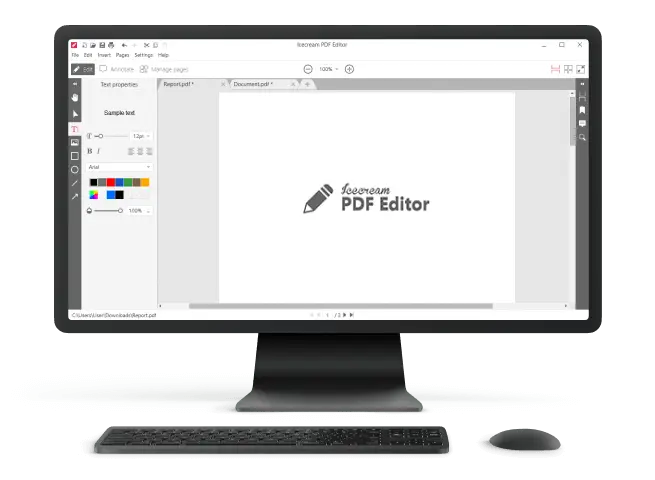
Icecream PDF Editor combines straightforward functionality with an intuitive design, making it suitable for those who need to adjust content or organize documents without complexity. It handles a wide variety of tasks, from tweaking text and images to annotating PDF and securing files, providing reliable execution for everyday PDF management.
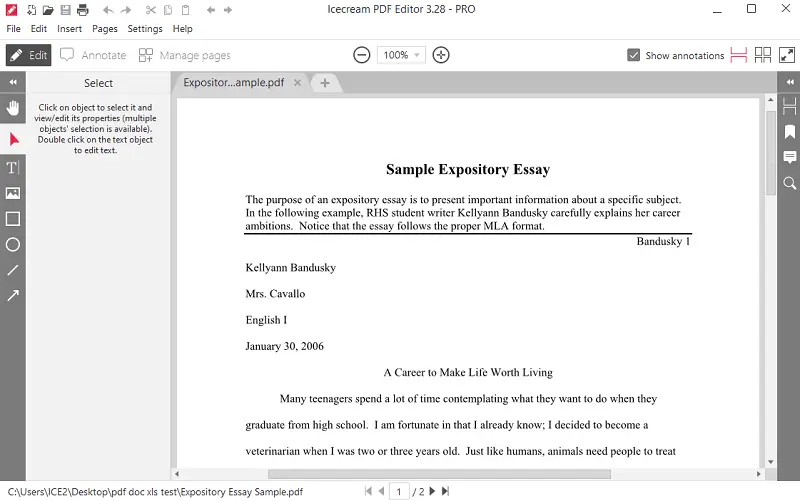
Key features:
- Free PDF editor
- Edit text and insert graphics
- Add, delete, and rearrange PDF pages
- Write manually on a PDF
- Mark up with PDF highlights, underlines, and strikethroughs
- Insert shapes, notes, and freehand sketches
- Complete, and save interactive forms
- Protect papers with passwords and set access restrictions
- Convert PDFs into picture extensions
Option 2. Adobe Acrobat Pro DC
Best for: Comprehensive modifications
Adobe Acrobat Pro DC is a powerful PDF text editor widely used by professionals for its extensive capabilities. It converts scanned documents into searchable formats with advanced OCR. Its robust tools also support commenting and secure sharing, being ideal for detailed management.
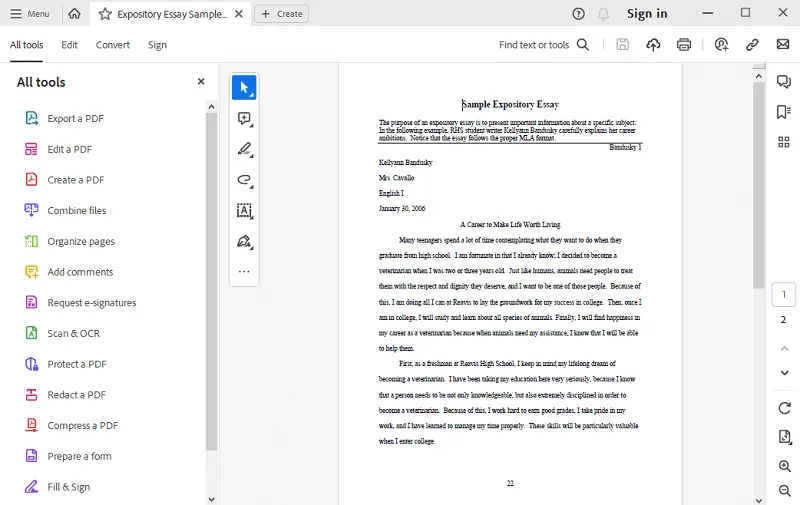
Key features:
- Precise layout and typography control
- Export PDFs to Word, Excel, and PowerPoint
- Built-in e-signature and approval workflows
- Cloud synchronization across devices
Option 3. Foxit PDF Editor
Best for: Quick performance and teamwork
Foxit is a lightweight yet fully equipped software perfect for rapid adjustments and collaborative projects. It stands out with real-time commenting and intense security options, enabling colleagues to smoothly type on PDF and manage feedback.
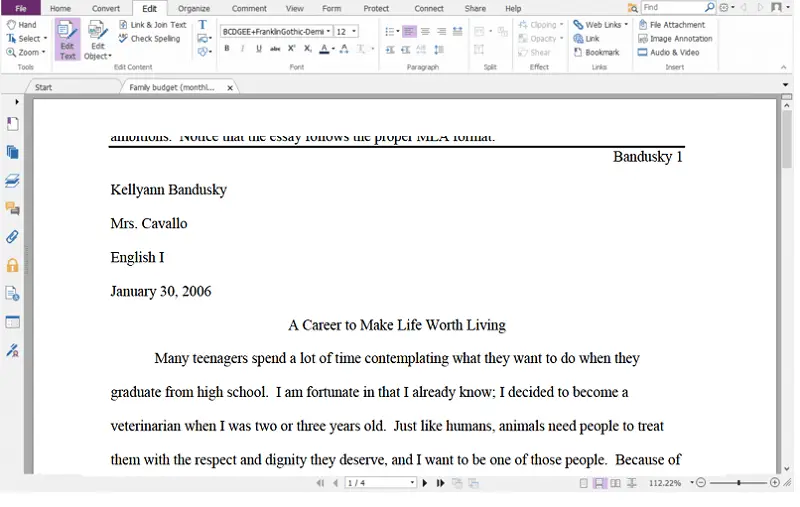
Key features:
- Annotation and review tools
- Enterprise-level encryption and permissions
- Powerful edit PDF options
- Highly customizable interface and shortcuts
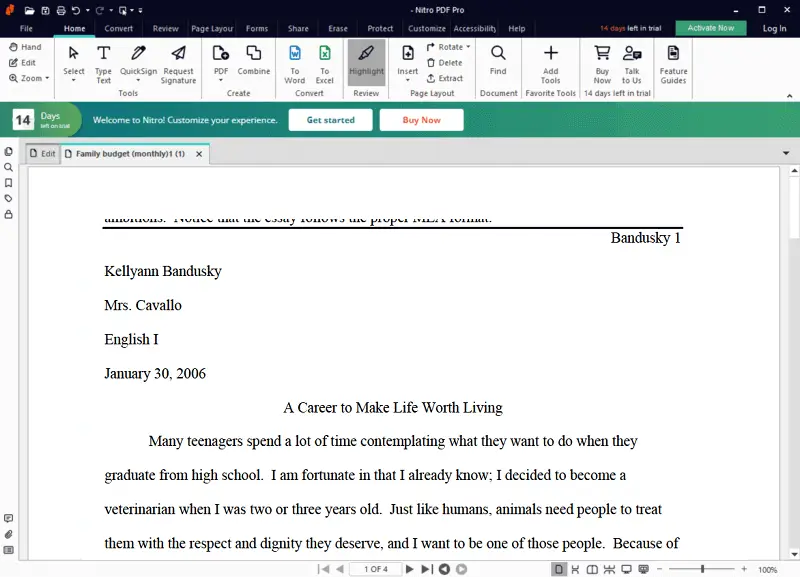
Option 4. Nitro PDF Pro
Best for: Efficient batch files processing in business
Nitro PDF Pro combines ease of use with robust performance, especially for individuals handling multiple documents simultaneously. It streamlines creation, PDF merging, and conversion of large PDF collections while supporting e-signatures, serving as a dependable text editor in office environments.
Key features:
- Bulk file creation and PDF conversion
- Built-in digital signing
- Detailed compliance and audit tracking
- Version control
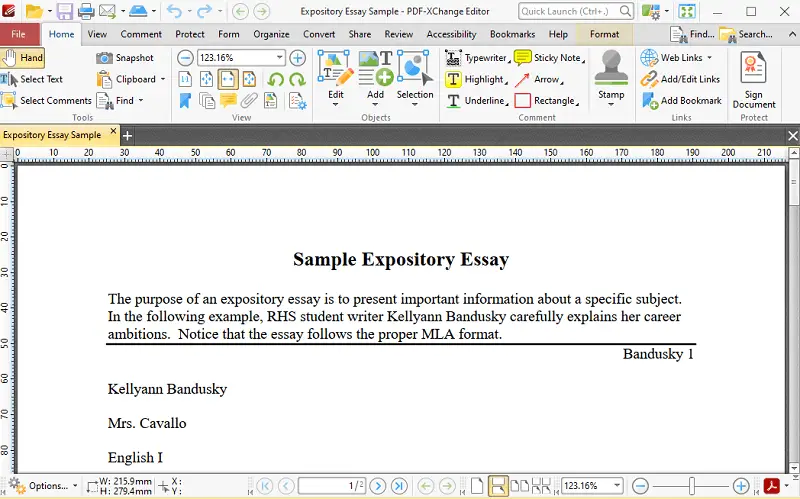
Option 5. PDF-XChange Editor
Best for: Cost-effective advanced PDF editing
PDF-XChange Editor offers a comprehensive toolkit at a budget-friendly price. It lets creators customize processes with scripting, embed multimedia, and apply rich annotations. This program is great for those who want to add text to PDF and perform nuanced changes without a hefty investment.
Key features:
- Extensive markup and drawing on a PDF capabilities
- Macro and automation support
- Multimedia insertion
- Lightweight and responsive
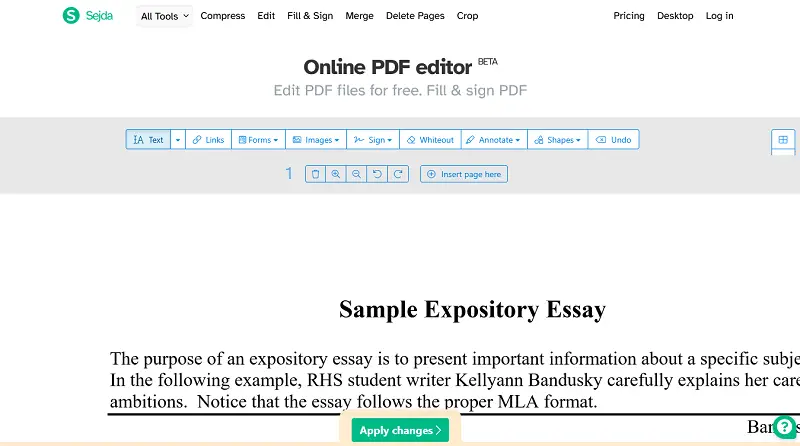
Option 6. Sejda PDF Editor
Best for: Fast and easy online modifications
Sejda is an online PDF editor designed for quick tweaks without software installation. Its privacy-first approach deletes uploaded files shortly after use, making it perfect for occasional needs such as applying whiteouts on PDF.
Key features:
- Fully web-based with no downloads needed
- Simple form filling and e-signing
- Page rearrangement and splitting
- Strong focus on privacy
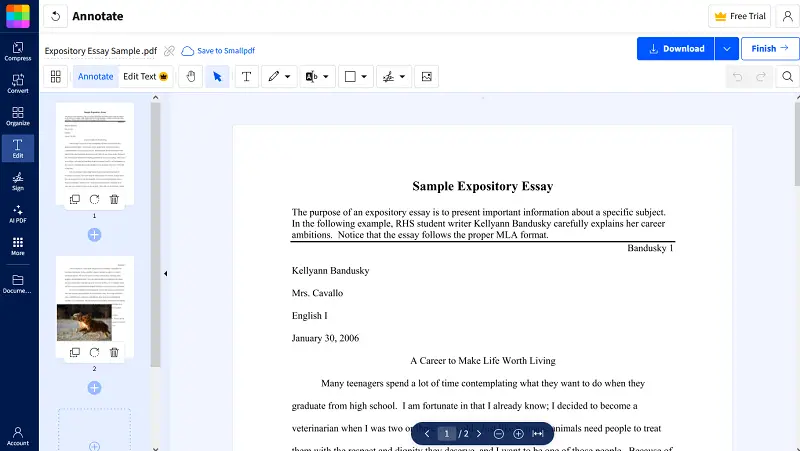
Option 7. Smallpdf
Best for: Simple, cloud-integrated PDF editing tasks
Smallpdf features a clean UI suited for routine PDF actions like compressing, converting, and basic adjustments. Users can click anywhere on the document to add new text to PDF, modify existing text content, or remove unwanted sections.
Key features:
- Drag-and-drop simplicity
- Addition of shapes such as rectangles, circles, and arrows
- Converts between extensions like JPG and PPT
- Google Drive and Dropbox integration
Option 8. ABBYY FineReader
Best for: High-precision OCR and digitization
ABBYY FineReader excels at transforming scanned documents into alterable formats with remarkable accuracy. Unlike many utilities that treat files as static images, this PDF text editor provides true layer-level manipulation, which is critical for legal documents.
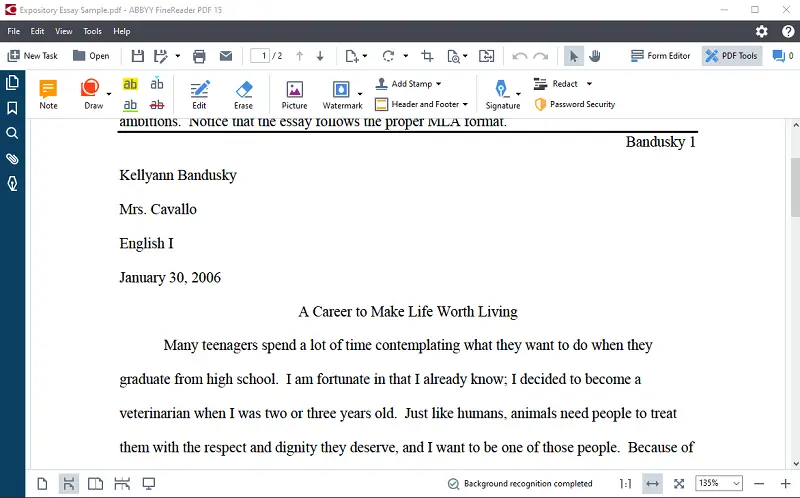
Key features:
- Advanced OCR with multi-language support
- Side-by-side comparison to detect changes
- Export to Excel, Word, and searchable PDFs
- Batch processing and automated workflows
Conclusion
Choosing the right program to edit PDF text ultimately depends on your needs, workflow preferences, and budget.
By evaluating the features that matter most, you can find a solution that enhances your productivity and ensures smooth, accurate PDF editing every time.
Expert Tech Writer
