
6 Tips for Clear Audio Recordings
Clear audio recording sets the foundation for engaging screen content — nobody enjoys muffled voices, distracting echoes, or background noise that steals focus.
In this article, we’ll explore effective strategies to capture high-quality voice, from selecting the ideal microphone and optimizing your space to adjusting software settings and refining track in post-production. By the end, your screen recording will sound as polished as they look.
How to get clear audio recording?
Achieving pristine audio begins with careful planning and execution. Even outside professional studios, you can capture video with crisp, intelligible pitch by combining the right equipment, environment, and approaches.
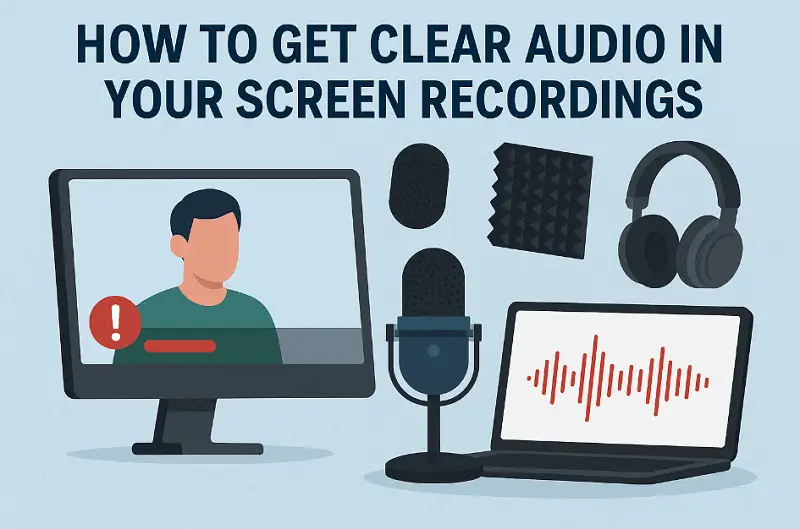
1. Microphone Selection
The transducer establishes the foundation of a HD media recording. Choosing the appropriate type and positioning it strategically ensures maximum clarity.
- Type:
Large-diaphragm condensers provide intense sensitivity and a wide frequency range (20 Hz–20 kHz), capturing subtle tonal nuances. Dynamic models resist ambient noise and perform well in untreated spaces, isolating the intended source.
- Pickup Pattern:
Cardioid models emphasize tone from the front while rejecting side and rear interference. Supercardioid or hypercardioid variants narrow the focus further, ideal for controlled surroundings. Figure-8 (bidirectional) mics acquire audio from opposite directions, suitable for interviews or duets.
Tip on voice recording. Maintain 6–12 inches between the mic and the source, slightly off-axis to reduce plosive bursts. Shock mounts prevent mechanical vibrations from transferring to the diaphragm.
2. Acoustic Environment
Notably the finest input devices cannot compensate for poor acoustics. Controlling reflections and external disturbances is crucial.
- Surface Treatment:
Hard walls, floors, and ceilings reflect track waves, producing echoes and flutter. Acoustic panels, bass traps, or heavy curtains absorb reflections, while bookshelves and carpets provide natural diffusion.
Tip on recording audio. Identify background obstruction such as HVAC systems, computer fans, or traffic. Temporary isolation booths or portable shields can substantially improve the stream.
3. Signal Chain & Connectivity
The pathway from microphone to sound sensor impacts overall fidelity.
- Interface & Preamps:
High-quality preamps amplify without introducing distortion. Proper gain staging establishes strong levels while avoiding clipping; target peaks around -12 dB to -6 dB.
- Cabling:
Balanced XLR connections minimize electromagnetic interference, unlike unbalanced cables, which can introduce hum and static.
Tip on clear up audio recording. Condenser microphones require +48V phantom power. Stable voltage secures consistent performance without corruption.
4. Shooting Techniques
Refined methods enhance clarity and reduce unwanted artifacts in screen capture.
- Plosive Control:
Pop filters or foam windscreens hinder sudden bursts of air from hitting the diaphragm.
- Off-Axis Placement:
Angling the microphone slightly lows harsh consonants while preserving tonal purity.
Tip to record audio. Headphones enable immediate identification of clipping, unwanted noise, or subtle glitches.
5. Settings
Optimized screen recorder configuration preserves every detail got by the microphone.
- Sample Rate & Bit Depth:
Video Recording at 48 kHz / 24-bit maintains a wide frequency spectrum and dynamic span.
- High-Pass Filtering:
A low-cut around 80 Hz removes subsonic rumble without affecting the primary signal.
Tip on recording clear audio: Proper gain prevents disruption while avoiding amplification of background noise.
6. Post-Production Refinement
Even the cleanest raw sound benefits from careful processing.
- Equalization:
Remove unnecessary low-end frequencies and enhance the 3–8 kHz range for intelligibility and presence.
- Compression:
Light ratios (2:1–4:1) even out dynamics without introducing pumping artifacts.
- Noise Reduction & De-Essing:
Specialized plugins suppress hiss, hum, and harsh sibilance while preserving natural tone.
Tip on how to record screen with audio: Consistent output levels across playback devices prevent peaks from causing distortion.
Clear audio recording apps
| Program | OS | Features | Notes |
|---|---|---|---|
| Icecream Screen Recorder | Windows | Capture webcam and system sound, schedule sessions, trim footage | High-fidelity output with adjustable bitrate |
| OBS Studio | Windows, Mac, Linux | Open-source, customizable layouts, live streaming | Multi-track clear audio recording with excellent quality |
| Camtasia | Windows, Mac | Integrated editor, annotations | Noise suppression |
| Bandicam | Windows | Lightweight, high FPS, multiple codec options | Crisp shooting with external microphone support |
| Snagit | Windows, Mac | Snapshot and video recording, simple editing | Ideal for narration and voiceovers |
| Loom | Windows, Mac, Chrome | Instant broadcasting, cloud-based sharing | Clear vocal, optimized for slideshows |

Conclusion
Achieving crystal-clear screen captures goes far beyond simply pressing "record." Choosing the right software, optimizing your environment, and adjusting every detail carefully transforms ordinary tracks into professional presentations.
By mastering these techniques, each recording you produce will sound polished, vibrant, and impossible to ignore.

Expert Tech Writer
