
Top Video Recorders for Students
Video recording for students is now an important part of modern education because it lets people learn and talk to each other in many different ways.
As more and more processes happen online, you have more control over the learning as you can review content in ways that traditional methods couldn't.
In this article, we'll look at student video recording apps and talk about how they help them understand things better, be more creative, and get important skills for the future.
What are the benefits of video recording for students?
Video capture offers a range of benefits for pupils, enhancing both their experience and competence development. Here are some key advantages:
Flexible Learning
- Repetition. Students can revisit lessons or explainer clips as many times as needed, helping them reinforce key concepts.
- Visual Learning. Videos combine visual and sound elements, so it is easier to grasp complex ideas through demonstrations, diagrams, and examples.
- Access. Screen capture allows everyone to work at their own pace and on their own schedule, increasing the flexibility.
- Revision. Clips give people the opportunity to go over material they may not have fully understood the first time, enabling better preparation for exams.
- Breaking Down Complex Things. Individuals can pause and rewatch films to break down difficult concepts into manageable parts, giving them control over the process.
- Global Opportunities. You get data from experts worldwide, gaining access to a broader range of knowledge.
Improved Focus
- Active Learning. Watching encourages engagement with the content, as everyone may take notes, pause, rewind, or reflect on the material being presented.
- Visual and Auditory Stimuli. Visuals, animations, and audio can make lessons more engaging.
- Peer Work. Screen record can be used for group projects or discussions, allowing you to collaborate asynchronously by sharing ideas or explanations.
Skill Development
- Digital Literacy. Screen recorders help develop important technical skills, such as editing, design, and digital communication.
- Public Speaking. Creating their own presentations or explaining concepts on camera helps practice communication, preparing for future academic and professional environments.
- Diverse Formats. Capturing the display allows students to access a variety of formats, including lectures, tutorials, demonstrations, and even guest speaker talks.
Increased Motivation
- Expression. Screen recording helps people express themselves creatively, whether through multimedia projects or presentations.
- Confidence Building. Seeing their own progress can help strengthen confidence, especially when they can track their improvement over time or when they receive constructive feedback.
1. Icecream Screen Recorder
This video recorder stands out as a versatile, user-friendly software for students looking to create high-quality captures with added flexibility. Whether it's for lessons, tutorials, or gameplay, this app delivers impressive functionality with minimal setup.
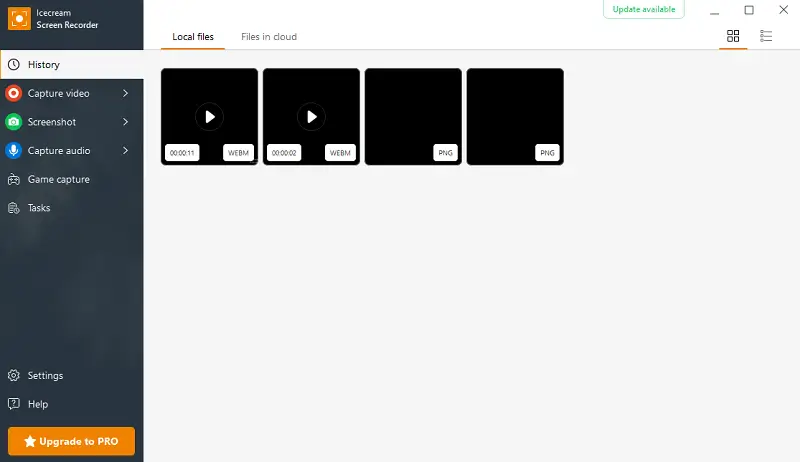
Key Features:
- Timer. Plan and schedule in advance, perfect for live-streamed events or classes without having to start the process manually.
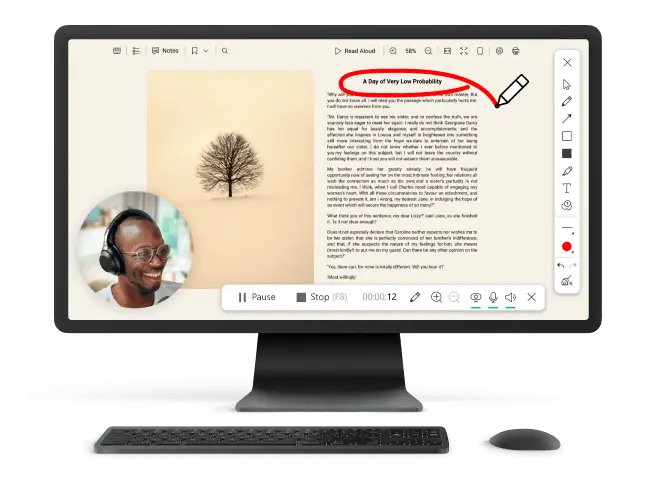
- Drawing Tools. Enhance your footage in real time with built-in instruments, allowing you to annotate, highlight, and make on-screen notes.
- Video Editor. Adjust output directly within the app, trimming unnecessary footage.
- Customizable Areas. Choose to capture your entire desktop or select a specific area.
Why it's great for students
Icecream Screen Recorder is ideal for those who want to quickly create professional-looking elements without the need for resource-heavy software, and all for free.
2. OBS Studio
This is an open-source screen recorder that provides you with complete control over live-streaming needs. Known for its robustness, it’s great for those who want to bring creativity to their work.
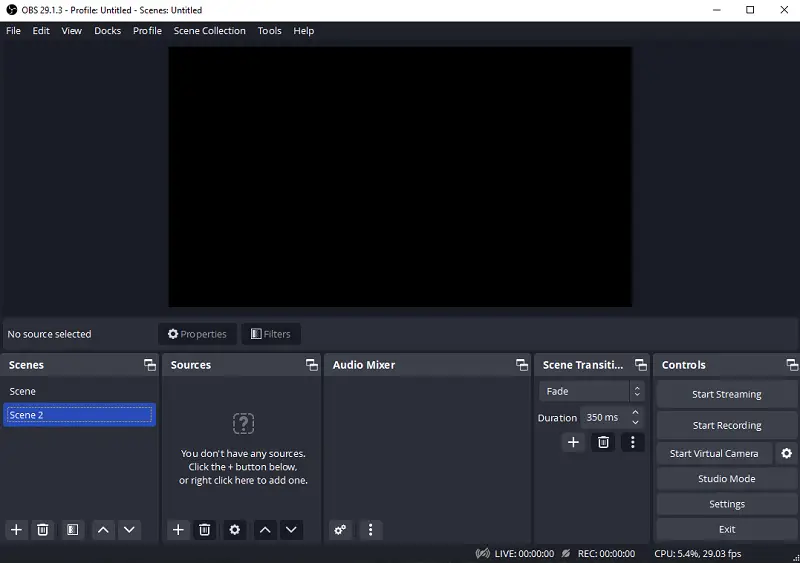
Key Features:
- Multiple Source Integration. Add various devices simultaneously, such as your screen, webcam, and external tools.
- Scene Transitions. Use customizable effects for smooth switching between different layouts, great for detailed tutorials.
- Advanced Controls. Fine-tune audio input and output settings for high-quality sound during recording video for students.
- Free and Open-Source. Completely free, with extensive community support for troubleshooting and features.
Why it's great for students
OBS Studio provides professional-grade features, fitting for people who want to broadcast their content with flexibility.
3. Camtasia
It is a premium screen recording and editing program that offers a complete solution for people looking to create films. With its combination of advanced features and intuitive instruments, it’s suitable for those working on high-level projects.
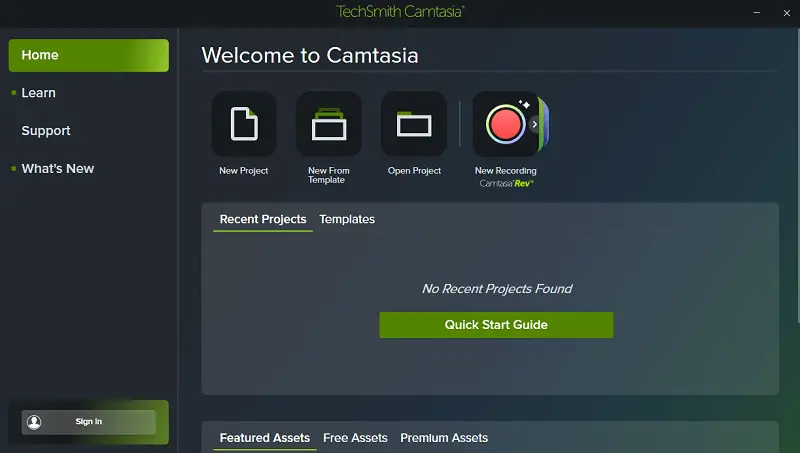
Key Features:
- Comprehensive Editor. Beyond being a basic video recording app, it has an intuitive editor with drag-and-drop functionality.
- Interactive Quizzes. Create interactive surveys within clips, so it is great for pupils who need to incorporate assessments into their content.
- Multi-Tracking. Work with multiple tracks simultaneously for more complex projects.
- Pre-Made Templates. Access a range of templates for quick polished output, appropriate for busy individuals needing efficient solutions.
Why it's great for students
Camtasia's advanced features make it the go-to choice for students who want to produce instructions, presentations, or multimedia projects.
4. Loom
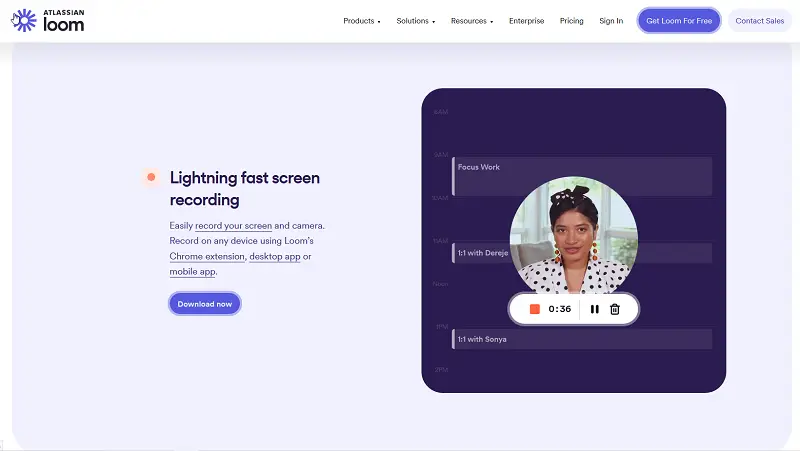
Loom is a video screen capture app that has become a favorite among educators for its quick, efficient, and easy-to-use recording capabilities. It’s optimized for fast feedback with minimal effort.
Key Features:
- Sharing via Links. Generate a shareable link immediately after, allowing for distribution.
- Integration-Friendly. Seamlessly integrates with tools like Google Drive, Slack, and Microsoft Teams.
- Reactions. Viewers can leave reactions directly on the display, which is great for collaborative learning and feedback.
- Cloud Storage. Files are saved on Loom’s cloud, which can be accessed from anywhere.
Why it's great for students
Loom is perfect for those who want to share quick explanations in a fast, intuitive way without any complicated setup.
5. Bandicam
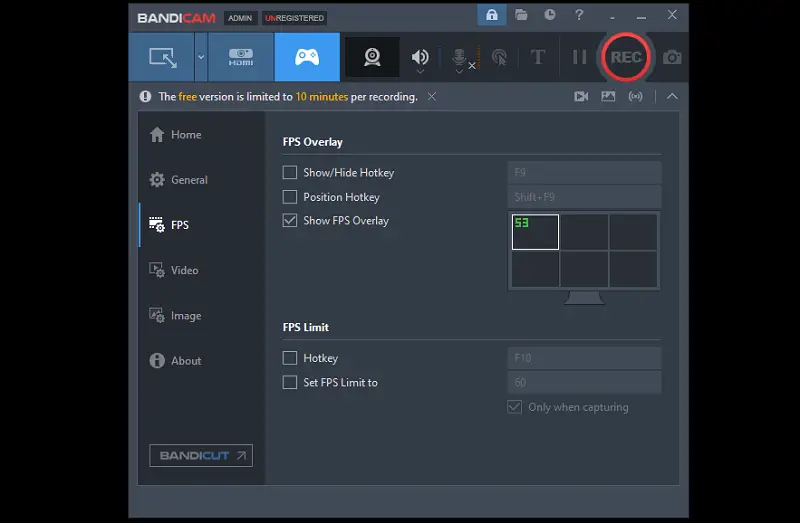
This app is known for its high-performance video submission capabilities, HD screen recordings with minimal lag. It offers advanced capabilities that deliver stunning visuals while ensuring minimal impact on system resources.
Key Features:
- High Quality. Capture video in up to 4K UHD resolution with low system resource usage.
- Audio Mixing. Utilize both system sound and microphone input, ideal for narrations and commentary.
- Compression Technology. Ensures smaller file sizes without compromising clarity.
- Customizable Modes. Choose between screen, game, or device for external tasks like consoles.
Why it's great for students
Bandicam is particularly beneficial for those who search for a reliable tool for educational content, such as online lectures, tutorials, or study guides.
Tips for recording lessons for students
- Plan Ahead: Outline key points or create a script.
- Set the Scene: Choose a clean background, good lighting, and minimal noise.
- Position: Utilize a tripod, keep the camera at eye level, and frame yourself well.
- Audio Check: Test sound quality to avoid distractions.
- Speak Clearly: Maintain eye contact and talk at a steady pace.
- Rehearse: Practice beforehand to ensure smooth delivery.
- Edit: Trim unnecessary sections and add any text or graphics.
FAQ
- Do school video recorders work on mobile devices?
- Yes, for example, Loom offers a smartphone version, so it is easy to do it directly from smartphones or tablets.
- Can this process be used for language learning?
- Absolutely! Students can capture themselves speaking or practicing pronunciation in a new language. Watching the playback allows for self-correction and tracking progress over time.
- What strategies can a person apply to make their videos more engaging?
- They can utilize storytelling techniques, include visuals or graphics, and maintain a clear and enthusiastic delivery.
- What hardware is needed to record the screen in high quality?
- Students need a reliable computer or smartphone, a good microphone for clear audio, a webcam, and adequate lighting to ensure visibility.
- What resolution is best for educational purposes?
- A resolution of 1080p (Full HD) is ideal, balancing clarity and manageable sizes. For detailed elements, 4K can be used but requires more storage.
- What file format is best?
- MP4 is highly recommended for its compatibility, high-quality compression, and ease of sharing across platforms.
Conclusion
By choosing the right recording software, understanding key technical aspects, and applying innovative approaches, students can unlock the full potential of video screen capture.
This technology not only supports academic success but also builds valuable skills in communication, organization, and multimedia creation that extend beyond the classroom. Start today and discover how this versatile resource can transform your experience!

Expert Tech Writer
