
How to Edit Your Real Estate Photos
Real estate photo editing is the secret ingredient that transforms an average snapshot into a striking image that grabs attention instantly.
In today’s fast-moving property market, first impressions are made in moments, so each picture should appear glowing, perfectly aligned, and true to life in color.
This article outlines the key steps to create visuals that shine while preserving the authentic character of every space, helping your listings rise above the competition.
Real estate photo editing checklist
1. Perfect Exposure and Illumination Balance
Use Curves or Levels to lift midtones and shadows, ensuring windows retain detail and highlights remain intact. Apply localized adjustments with masks or brushes to brighten darker corners while sustaining natural contrast.
Why it matters in real estate photo retouching?
A properly illuminated image feels more open and inviting, revealing every architectural feature without losing subtle textures.
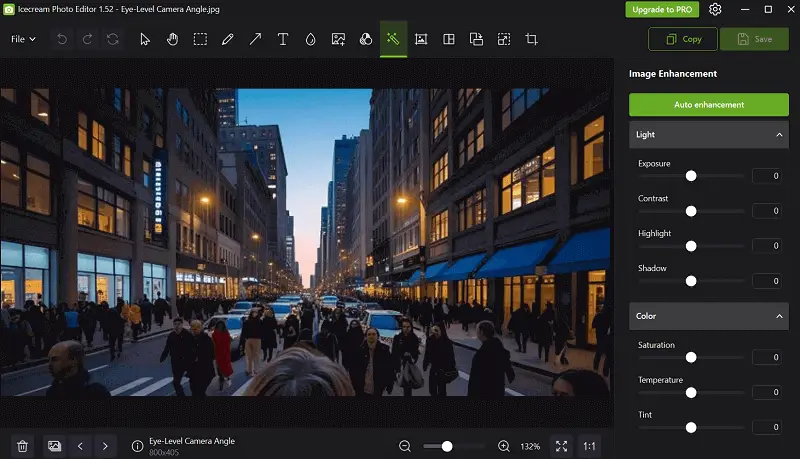
Bad Example:
- A dim, shadow-heavy living room where furniture fades into darkness and the zone appears cramped.
Good Example:
- A softly lit location with evenly distributed light, where the sofa’s fabric and floor pattern are clearly visible, causing the area exude expansive.
2. Achieve Lifelike White Balance
Sample from neutral areas like a ceiling or trim using the eyedropper tool, then fine-tune temperature and tint to counteract mixed setup from daylight and indoor fixtures.
Why it matters in real estate image editing?
Color accuracy ensures the property seems exactly as it does in reality, avoiding the “this looked different online” disappointment during viewings.
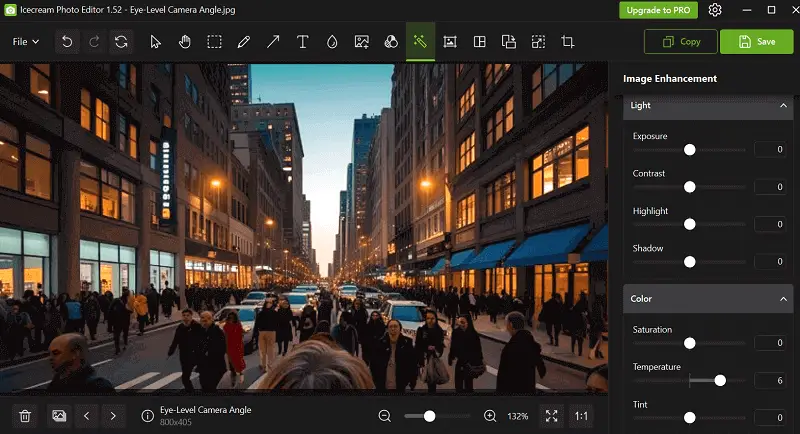
Bad Example:
- A bathroom with an overpowering yellow cast, making white tiles present aged and unclean.
Good Example:
- Whites rendered crisp and neutral, giving the space a fresh, modern appearance that buyers trust.
3. Correct Perspective and Geometry
Apply lens profile corrections to eliminate barrel distortion from wide-angle lenses, then straighten verticals and horizontals with file orientation tools. Make fine manual tweaks to keep architectural lines precise.
Why it matters in editing real estate photos?
Well-aligned strokes maintain structural realism, presenting settings in their true proportions and avoiding visual distractions.
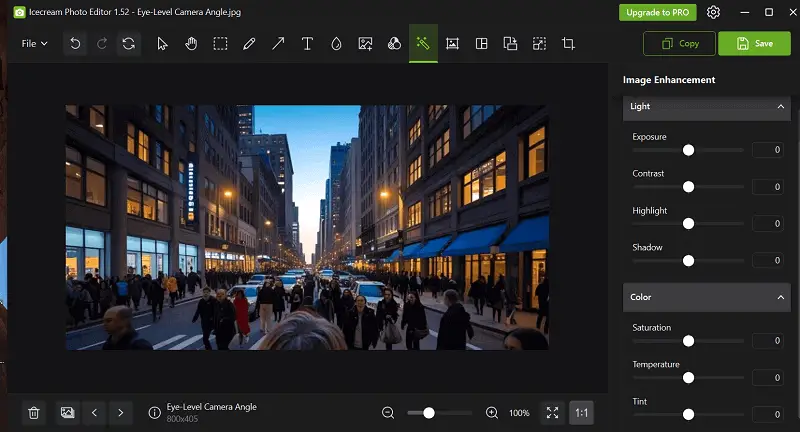
Bad Example:
- Cabinets and door frames leaning unnaturly inward, creating a skewed, unsettling sense.
Good Example:
- Vertical lines restored, giving the kitchen a balanced, accurate presentation that feels professionally photographed.
4. Better Colors Selectively
Utilize vibrance to elevate muted tones and employ HSL controls for targeted adjustments—greens for foliage, blues for skies—while retaining saturation within believable limits.
Why it matters in property photo editing?
Subtle enhancement draws attention to desirable features without crossing into unrealistic territory.
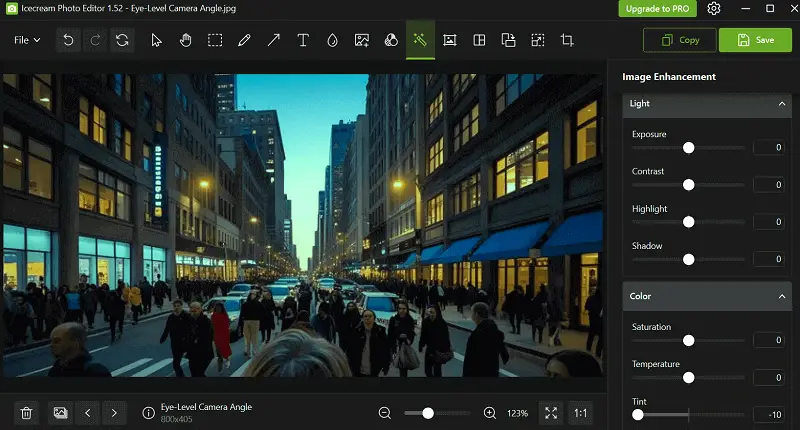
Bad Example:
- A lawn rendered neon green, making the image seem heavily altered.
Good Example:
- Grass subtly deepened in tone, appearing healthy and natural, inviting viewers to imagine enjoying the outdoor space.
5. Eliminate Visual Clutter
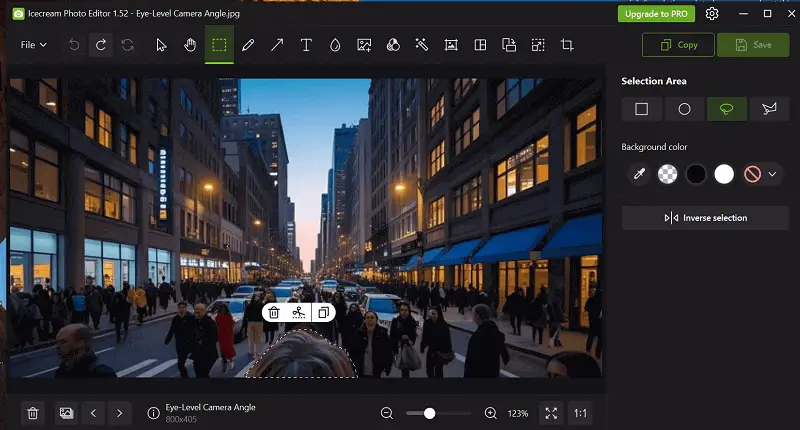
Use clone and healing tools to remove cords, small objects, wall marks, or sensor spots. Keep the scene authentic while ensuring nothing detracts from the property’s key selling points.
Why it matters in photo editing for real estate?
Clean, distraction-free stills allow potential buyers to focus on layout, finishes, and atmosphere rather than stray items.
Bad Example:
- A messy nightstand with personal items competing for attention in a bedroom shot.
Good Example:
- A streamlined nightstand that complements the bed and lighting, enhancing the suite’s sense of order.
6. Sharpen Details and Smooth Noise
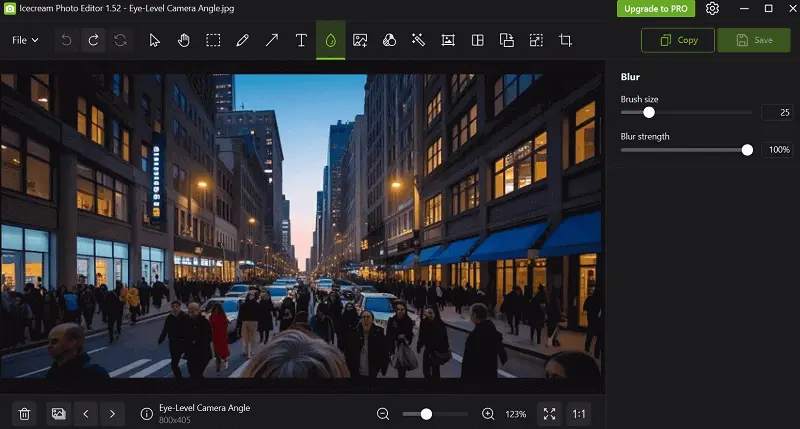
Edit pictures with targeted sharpening to highlight textural elements like wood, tile, or fabric, while applying artifacts reduction to flat areas for a smooth, polished finish.
Why it matters in image editing?
Defined textures convey fidelity and craftsmanship, while controlled graininess ensures images resemble crisp without appearing grainy.
Bad Example:
- A countertop with blurred sides and walls showing excessive grain from high ISO.
Good Example:
- Countertop surfaces sharply defined, with panels clean and noise-free, creating a refined presentation.
7. Export for Fast Viewing
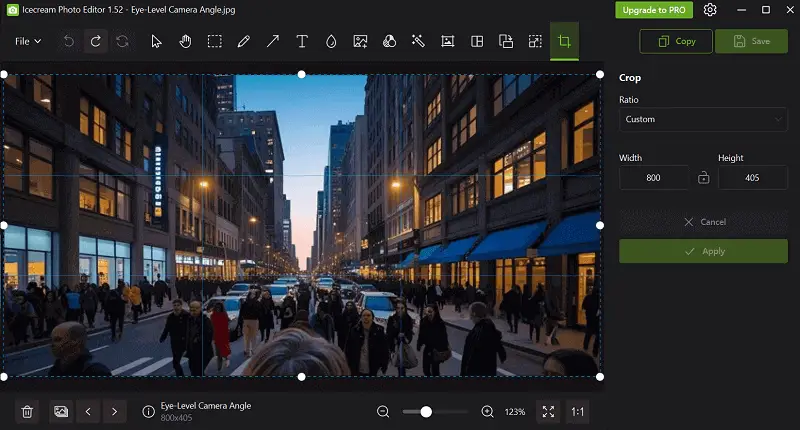
Resize to 1920–2048 pixels on the long edge, export as JPEG at 75–85% sharpness, and employ the sRGB profile for consistent display online.
Why it matters in real estate photo editing?
Properly optimized files load quickly, look sharp on all devices, and keep prospective buyers engaged with the listing.
Bad Example:
- A 12MB image that lags while loading, causing users to click away.
Good Example:
- An optimized 900KB file that loads instantly, retaining vibrant tones and fine detail.
8. Blend Multiple Exposures for Window Pull
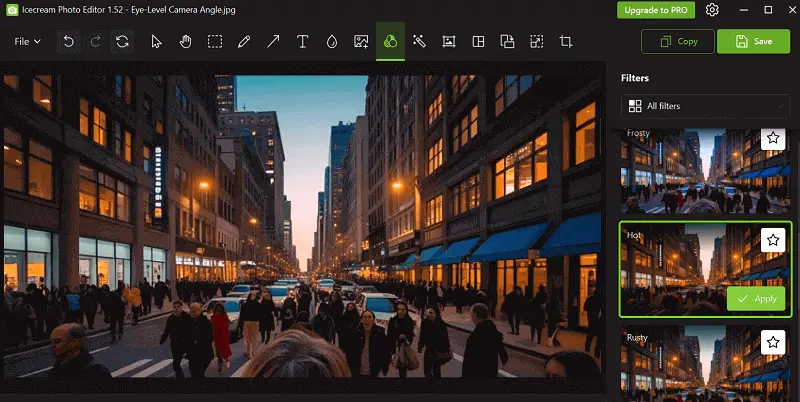
Combine bracketed shots using HDR techniques or manual layer masks to stabilize vivid window views with interior lighting.
Why it matters in real estate photo retouching?
This technique preserves outdoor scenery while maintaining a well-lit space, achieving a polished, magazine-quality finish.
Bad Example:
- Completely blown-out windows lacking any visible external details.
Good Example:
- Detailed exterior views through fenestration paired with balanced indoor brightness.
9. Correct Chromatic Aberration
Activate lens correction profiles or reduce purple and green fringes around edges, particularly near illumination sources.
Why it matters in editing photos for real estate industry?
Removing color fringing enhances professionalism and image sharpness, especially when viewed at high resolution.
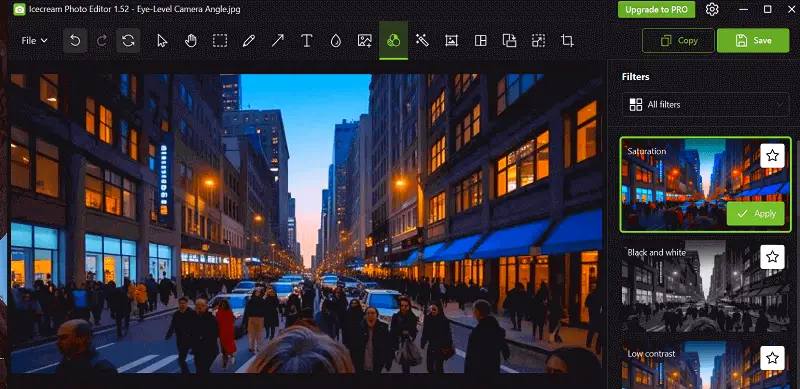
Bad Example:
- Distinct purple halos around windows creating a distracting effect.
Good Example:
- Clean, natural edges free of distortion for a refined presentation.
10. Improve Outdoor Scenes
Swap dull or overcast skies with realistic cloudscapes, then match shadows to maintain cohesion.
Why it matters in property photo editing?
A captivating sky dramatically increases curb appeal and draws positive attention to exterior shots.
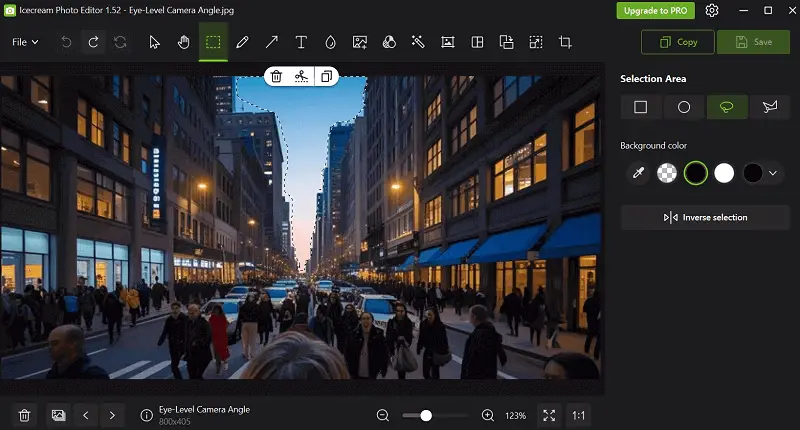
Bad Example:
- Flat, gray horizon diminishing the overall attractiveness of the property.
Good Example:
- Sunlit, dynamic sky that complement the building’s facade authentically.
11. Sculpt Depth
Enhance micro-contrast in fore and midground areas to integrate dimensionality, while subtly softening background for scenic separation.
Why it matters in real estate image editing?
This approach guides viewer focus and adds a cinematic feel, making spaces appear more inviting.
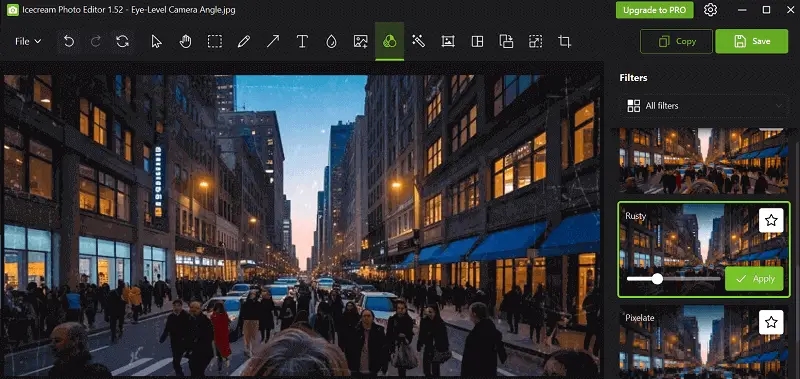
Bad Example:
- Flat imagery lacking spatial hierarchy or visual interest.
Good Example:
- Depth-rich photos where important details stand out naturally.
Real estate photo editing software
| Image Editor | Platform | Key Features | Best For |
|---|---|---|---|
| Icecream Photo Editor | Windows | - Quick tonal and color adjustments for property images. - Cropping, rotation, and straightening for proper framing. - Filters to improve room ambiance. - Text overlays and annotation tools. - Basic blemish and red-eye fix. | Fast edits for listings. |
| Adobe Lightroom | Windows, Mac, iOS, Android | - Precise exposure for interiors. - Presets and batch edits. - Lens correction and alignment of vertical and horizontal lines. - Gradient and radial enhancements to highlight rooms or outdoor areas. - HDR merging for balanced indoor and outdoor illumination. | Professional photographers. |
| Adobe Photoshop | Windows, Mac | - Remove distracting objects or clutter. - Layer-based compositing for virtual staging. - Advanced masking for doors, windows, and structural elements. - Perspective refinement to fix skewed angles. - Backdrop replacement to boost appeal. | High-end editing and manipulation. |
| Luminar Neo | Windows, Mac | - AI-driven sky replacement for enrichment. - Accent AI to brighten sections naturally. - Object erasure for disarray or decoration purposes. - Structure adjustments to emphasize architectural lines. - Non-destructive editing for flexible modifications. | AI-assisted retouching. |
| DxO PhotoLab | Windows, Mac | - Automatic lens alterations for wide shots. - Noise reduction for low-light environments. - Smart lighting adjustments for uniform brightness. - Haze stripping for exterior views. | Detailed image repair. |
| GIMP Picture Editor | Windows, Mac, Linux | - Precision selection for targeted adjustments. - Color grading for realistic tones. - RAW support via plug-ins. - Retouching for walls, floors, and fixtures. | Budget-conscious editors. |
| Capture One | Windows, Mac | - High-quality RAW processing for property pictures. - Tethered shooting for staged setups. - Layer and mask-based selective adjustments. - Fine-detail sharpening. | Professional photographers. |
| ON1 Photo RAW | Windows, Mac | - Non-destructive bulk processing. - AI-assisted object and heaven removal. - HDR merging for even layout illumination. - Masking and blending tools for compositing. | Versatile editing. |
| Fotor | Web, Windows, Mac, iOS, Android | - Fast exposure and color tuning. - Filters to upgrade ambiance and appeal. - Batch editing for multiple images. - Collage and marketing templates. - Simple surface and furniture retouching. | Beginners and social media listings. |

Conclusion
Following a structured real estate photo editing checklist—ensuring images are luminous, lines are aligned, and colors remain true - creates visuals that showcase a property’s best features.
Consistently applying these techniques makes spaces feel inviting, polished, and realistic. Ultimately, mastering real estate retouchers not only enhances aesthetics but also boosts engagement, helping your works stand out in a competitive market.

Editor-in-Chief at Icecream Apps
