
Product Image Size for Amazon, Etsy, and eBay
Resize for marketplaces isn’t just a technical task—it can transform how your products are seen and sold on Amazon, Etsy, and eBay. Each platform has its own unique standards, which can feel tricky to navigate.
In this article, we’ll explore the image specifications for these leading sellers and offer practical tips to make your catalog appears professional, eye-catching, and buyer-ready.
How to resize image for Amazon?
Amazon is an online shop where independent brands showcase offers directly to buyers.
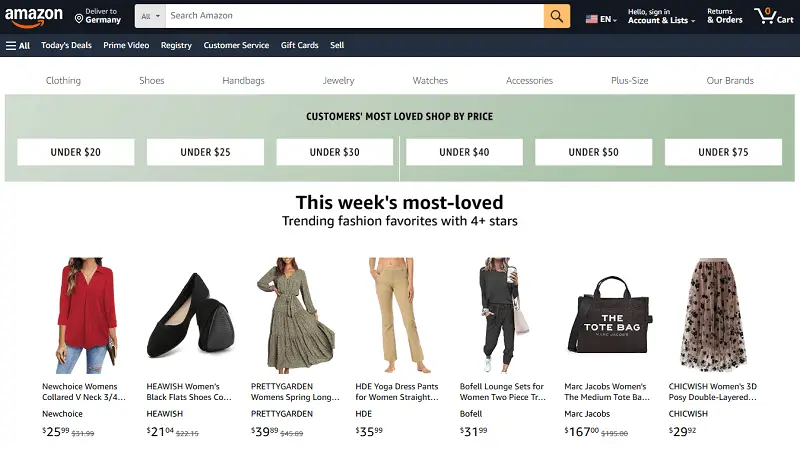
Founded in 1995 as a bookstore, it has expanded into one of the largest global e-commerce hubs, featuring items across categories like electronics, clothing, home essentials, and more.
Key aspects:
- Vast customer base: Access to millions of shoppers worldwide, providing high visibility.
- Diverse fulfillment choices: Sellers can handle shipping themselves or use Amazon’s logistics services.
- Review-driven system: Ratings and feedback impact entries prominence and buyer trust.
- Promotional tools: Options for advertising, sponsored listings, and performance insights to improve results.
Amazon image size requirements
| Type | Minimum Size | Optimal Product Image Size | Format |
|---|---|---|---|
| Main Image | 1000 x 1000 px | 2560 x 2560 px | JPEG, TIFF, PNG |
| Extra Views | 1000 x 1000 px | 2560 x 2560 px | JPEG, TIFF, PNG |
| Thumbnail | 200 x 200 px | 400 x 400 px | JPEG, TIFF, PNG |
| Lifestyle Shots | 1000 x 1000 px | 2560 x 2560 px | JPEG, TIFF, PNG |
| Infographic | 1000 x 1000 px | 2560 x 2560 px | JPEG, TIFF, PNG |
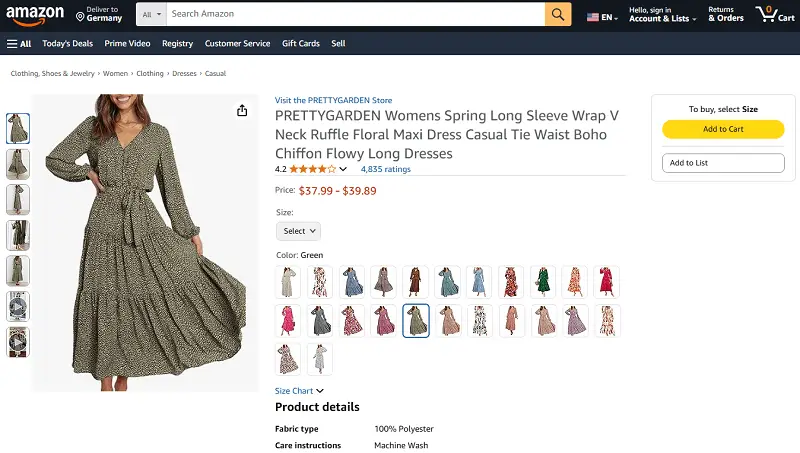
Additional notes
- Background: Use a pure white backdrop (RGB 255, 255, 255) for main pictures to ensure a clean appearance and comply with Amazon rules.
- Product Emphasis: Make sure the item occupies most of the frame, removing unnecessary objects or distractions.
- Resolution: Provide high-quality renderings (at least 1000 x 1000 px) to enable zoom and showcase details clearly.
- Angles and Aspects: Include snippets from multiple perspectives, close-ups, and views highlighting important features.
- Real-Life Context: Display the product image size in practical settings to give customers a sense of scale and usage.
- Visual Consistency: Maintain uniform lighting, foundation, and style throughout the offerings for a polished look.
- Informative Artwork: Incorporate infographics carefully to outline key benefits or specifications without overcrowding the photo.
How to resize an image for Etsy?
Etsy is an online service dedicated to handmade, vintage, and distinctive items.
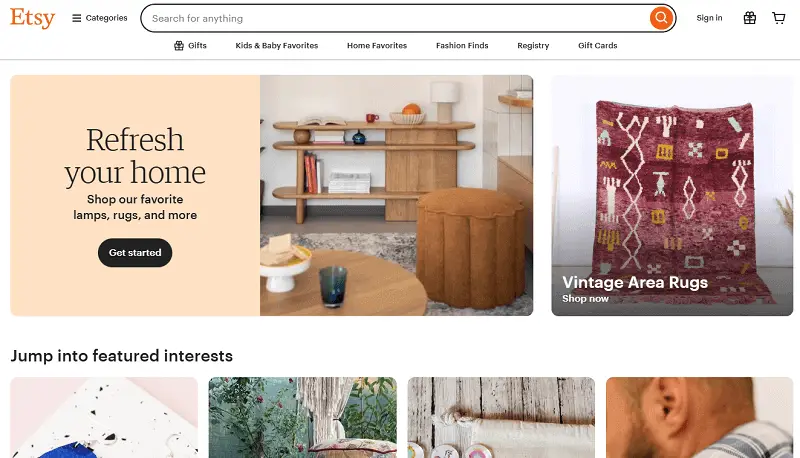
Founded in 2005, it connects independent artisans, crafters, and small businesses with buyers worldwide. Unlike mass-market e-commerce sites, Etsy underlines originality, creativity, and unique offerings.
Key features:
- Seller-Focused: Vendors can create personalized shops and interact directly with customers.
- Global Reach: Provides access to an international audience while supporting local sales.
- Customizable Catalog: Enables detailed photos, descriptions, and product variations to showcase individuality.
- Community Support: Offers forums, tutorials, and resources to help small enterprises grow.
Etsy image size requirements
| Type | Recommended Size | Minimum Size | Format |
|---|---|---|---|
| Shop Icon | 500 x 500 px | 500 x 500 px | JPG, PNG, GIF |
| Etsy Profile Picture Dimensions | 400 x 400 px | 400 x 400 px | JPG, PNG, GIF |
| Team Logo | 170 x 100 px | 170 x 100 px | JPG, PNG, GIF |
| Order Receipt Banner | 760 x 100 px | 760 x 100 px | JPG, PNG, GIF |
| Mini Shop Banner | 1600 x 213 px | 1200 x 160 px | JPG, PNG, GIF |
| Big Shop Banner | 1600 x 400 px | 1200 x 300 px | JPG, PNG, GIF |
| Carousel Banner | 1200 x 300 px | 1200 x 300 px | JPG, PNG, GIF |
| Collage Banner | Varies | Varies | JPG, PNG, GIF |
| Listing Images | 2000 x 2000 px | 635 x 635 px | JPG |
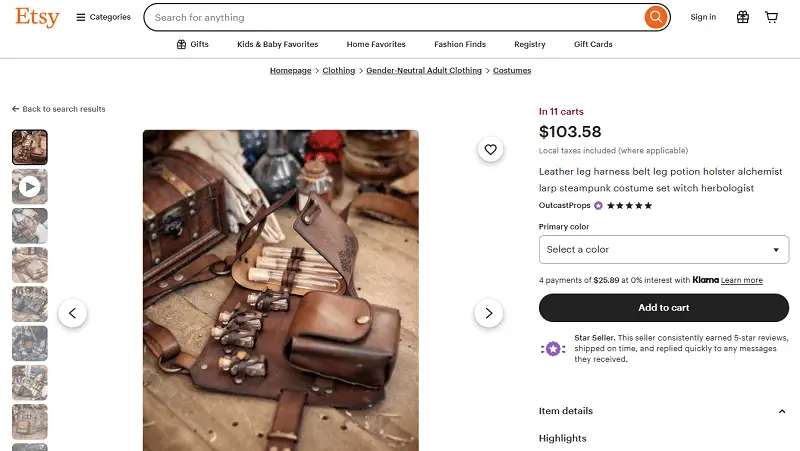
Additional notes for Etsy image sizes
- Background: Select a plain, neutral backdrop to outline the goods. Light or white backcloth works best for main illustrations.
- Item Positioning: Place the product prominently in the frame, removing extra objects or clutter. Ensure it occupies most of the space and is fully visible.
- Image Quality: Utilize high-resolution files (at least 2000 x 2000 px for stock) to enable zooming and reveal fine details.
- Multiple Views: Include different angles, close-ups, and shots of key features to give buyers a thorough perspective.
- Contextual Footage: Show the item in practical settings to demonstrate scale, function, and usage.
- Consistent Style: Retain lighting, color tone, and visual style uniform across all visuals for a polished, cohesive look.
- Shop Branding: Follow recommended dimensions for banners, icons, and logos, keeping graphics simple and readable on any screen.
- Image Priority: Lead with the most striking photo, as it appears in search results and influences customer engagement.
How to resize image for eBay?
eBay is an online marketplace where individuals and businesses can trade new or pre-owned items through auctions or fixed-price options.
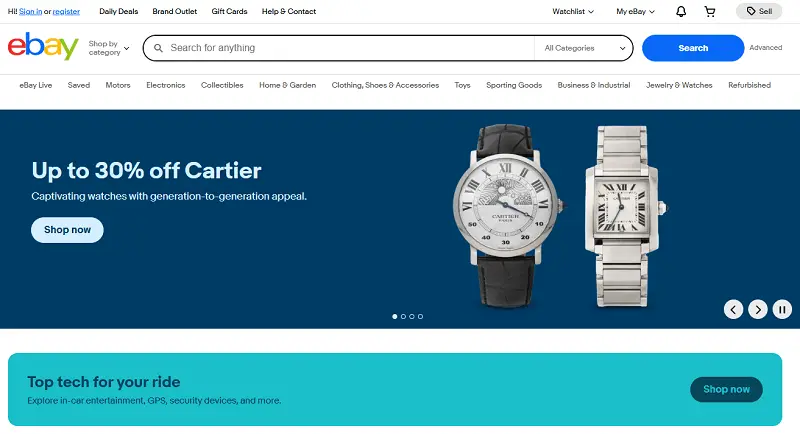
The platform supports peer-to-peer and business-to-consumer transactions, with secure payments and worldwide shipping.
Key features:
- Auction-Style Listings: Consumers can place competitive bids in real time.
- Buy It Now: Provides instant purchase at a set price.
- Ratings System: Encourages trust between sellers and acquirers.
- Wide Product Range: Offers gadgets, apparel, collectibles, and more.
- International Reach: Connects users across the globe.
- Secure Payments: Supports PayPal and eBay’s managed solutions.
- Promotion: Allows discounts, coupons, and advertising tools.
eBay photo size requirements
| Type | Recommended Product Image Size | Minimum Size | Format |
|---|---|---|---|
| Listing Images | 1600 x 1600 px | 500 x 500 px | JPEG, PNG, GIF, TIFF, BMP |
| Zoom | 1600–9000 px (longest side) | 800 px (longest side) | JPEG, PNG |
| Thumbnails | 1600 x 1600 px | 500 x 500 px | JPEG, PNG, GIF |
| Store Logo | 300 x 300 px | 300 x 300 px | JPEG, PNG, GIF |
| Billboard | 1280 x 290 px | 1280 x 290 px | JPEG, PNG, GIF |
| Category Image | 300 x 300 px | 300 x 300 px | JPEG, PNG, GIF |
| Marketing Banner | 640 x 640 px | 640 x 640 px | JPEG, PNG, GIF |
| Collection Banner | 640 x 360 px | 640 x 360 px | JPEG, PNG, GIF |
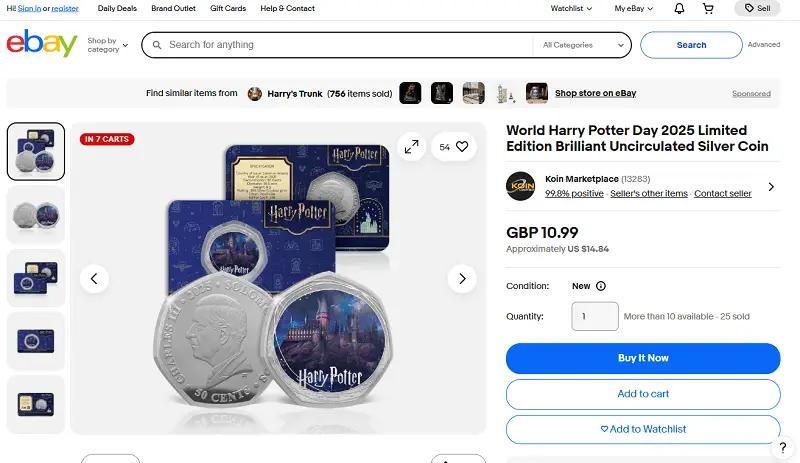
Additional eBay image guidelines
- File Size: Uphold each image below 12 MB to prevent issues and slow loading.
- Zoom Ready: For items needing close inspection, prioritize higher-resolution visuals.
- True Representation: Avoid filters, heavy edits, or overlays that could distort the appearance.
- Orientation: Stick to square or consistent aspect ratios for a uniform presentation.
- Logical Sequence: Arrange images thoughtfully, starting with the main one, followed by angles, details, and contextual shots.
- Policy Compliance: Ensure footage meets eBay rules—no watermarks, text, or promotional elements on primary photos.
How to resize for marketplaces?
1. Check requirements
- Review the specifications.
- Determine whether they require minimum, exact, or flexible measurements.
2. Start with the original
- Utilize the clearest version available.
- Keep a backup copy in case adjustments are needed later.
3. Select image resizer
| Tool Name | Platform | Distinct Capabilities | Best Use in Marketplaces |
|---|---|---|---|
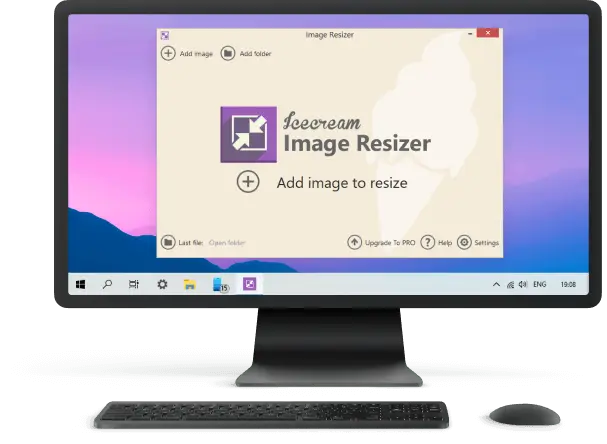
| Icecream Image Resizer | Windows | Handles large batches, changes formats, preserves proportions | Rapid preparation of numerous product visuals |
| Photoshop | Windows, macOS | High-precision edits, targeted cropping, automated workflows | Produces polished files meeting strict dimension standards |
| GIMP | Windows, macOS, Linux | Open-source, advanced retouching, plug-in support | Enables detailed refinement without subscription costs |
| Canva | Web, iOS, Android | Template-based editor, predefined size options | Speeds up adjustments with pre-made layouts |
| Pixlr | Web, iOS, Android | In-browser editing, quick scaling, multiple export types | Convenient for fast tweaks without software installation |
| Fotor | Web, Windows, macOS | One-click resize, assorted images processing, theme templates | Simplifies updates for varied selling platforms |
| IrfanView | Windows | Compact software, scripted revisions, manifold formats result | Delivers uniform results for large image collections |
| XnConvert | Windows, macOS, Linux | Multi-step conversion, proportional refinements, effect application | Streamlines repetitive tasks for diverse output requirements |
4. Maintain proportions
- Shrink image and lock aspect ratio to prevent distortion.
- Crop carefully to meet the service’s required format.
5. Optimize
- Export in the requested extension with sufficient quality to avoid visible artifacts.
- Compress footage using TinyPNG, Squoosh, or similar to reduce storage size.
6. Preview
- Check on multiple devices to ensure clarity and readability.
- Confirm that details like text, logos, or product features are sharp.
7. Organize
- Create a systematic naming scheme including platform, dimensions, and version, e.g.:
product-amazon-2000x2000-v1.jpg
product-etsy-1500x1200-v1.jpg
Conclusion
Optimizing visuals for marketplaces such as Amazon, Etsy, and eBay is crucial for capturing attention and driving sales.
Taking the time to resize images is more than a technical task—it’s a strategic step that enhances visibility, engagement, and overall performance.

Tech Writer and Photography Aficionado
